


- Key Takeaways
- Understanding YouTube Kids
- How YouTube Kids Works
- The Unseen Risks
- Your Role as a Parent
- Beyond The Platform
- My Verdict on Safety
- Conclusion
- Frequently Asked Questions
Key Takeaways
- YouTube Kids has age-appropriate content and extra safeguards, but nothing is 100 percent safe for little kids.
- Human review and parental controls bolster security, but some inappropriate videos might still slip through the filter or algorithms.
- It’s got ads and commercial junk, so let’s be aware of the ways kids’ interests and habits are hijacked.
- Active involvement from you, including co-viewing and frequent content review, can help your child better process what they watch and stay safer online.
- By enabling you to set up time limits and content filters within the app, it promotes healthier viewing habits and minimizes the risk of overexposure.
- Balancing screen time with offline play and seeking out other educational resources is good for kids’ cognitive and emotional growth.
When screen time ends and your child struggles to settle, this is what families use instead. The Free Calm Pack gives a calm, predictable handoff from YouTube to focused thinking play.
Parents usually aren’t asking whether YouTube Kids is safe in theory — they’re asking whether it’s safe in real use. A lot of parents wonder how safe it really is for young kids, especially around attention, exposure, and independent use. Though the app excludes most inappropriate content, some frenetic and overstimulating videos slip through to kids. By learning how YouTube Kids affects attention and control in young children, families can navigate daily screen-time decisions.

Understanding YouTube Kids
YouTube Kids was created for families seeking a safer, more controlled video viewing environment for their kids. The app, which launched in 2015, has come a long way since its infancy. It now offers a wide range of content: short cartoons, live TV, music, science, and even guided storytime. Specifically designed for children under 13, especially preschoolers and those in the early elementary age range, YouTube Kids provides a friendly content experience. Unlike the main YouTube platform, YouTube Kids is more limited. Kids can’t comment, and parents can disable search completely. Furthermore, parents can configure managed accounts, launched in 2021, to approve channels, allow video categories, or block content completely. These controls are time-consuming to configure, but many parents report the effort is worth it in peace of mind.
|
Feature |
Description |
Example Content Types |
Educational Value |
|---|---|---|---|
|
Parental Controls |
Set screen time, block videos, filter content, turn off search |
Content restriction settings |
Limits unwanted exposure, supports focus |
|
Age-based Profiles |
Settings for preschool (under 5), younger (5–8), older (9–12) |
Preschool songs, math, cartoons |
Content matches developmental stage |
| Content constraints | Human and AI moderation, no comments, few outside web links | No shares, no open chat | Lowers risk and reduces cognitive overload | Supervised Accounts | Parent-managed account with custom video and channel access | Parent approval required | Builds trust and supports safe exploration | Educational Playlists | Curated learning series in science, reading, and social skills | Alphabet, counting, and stories | Supports early cognitive development | Ads | Interstitials, sometimes curated to kids’ interests | Toy ads, games, and food | Not necessarily educational, but controlled
Age-appropriate content is a core strength of YouTube Kids. For preschoolers and toddlers, you can discover alphabet songs, gentle cartoons, picture books read aloud, and simple science experiments. Popular shows like ‘Sesame Street’ and ‘Peppa Pig’ feature basic words and images, making them ideal for early learning. The platform has a global reach, offering content in dozens of languages, which helps families from diverse backgrounds. Although it filters out the majority of mature themes, no automated system is infallible. Consequently, many parents disable search and opt for pre-approved playlists to ensure their kids are only exposed to quality videos.
Educational videos on YouTube Kids can assist with developing vocabulary, early math skills, and basic problem-solving. Many parents now use music and storytime videos as a way to calm children after school or before bed, encouraging pattern recognition and assisting working memory. However, the quick cuts and bright colors prevalent in many videos can overstimulate certain kids, particularly those who may already have trouble focusing. While the ads are essential for maintaining free access to the platform, they can occasionally interrupt peaceful involvement and potentially promote materialism. Advertisers target young viewers, hoping to influence family purchases, so not every video is strictly educational.
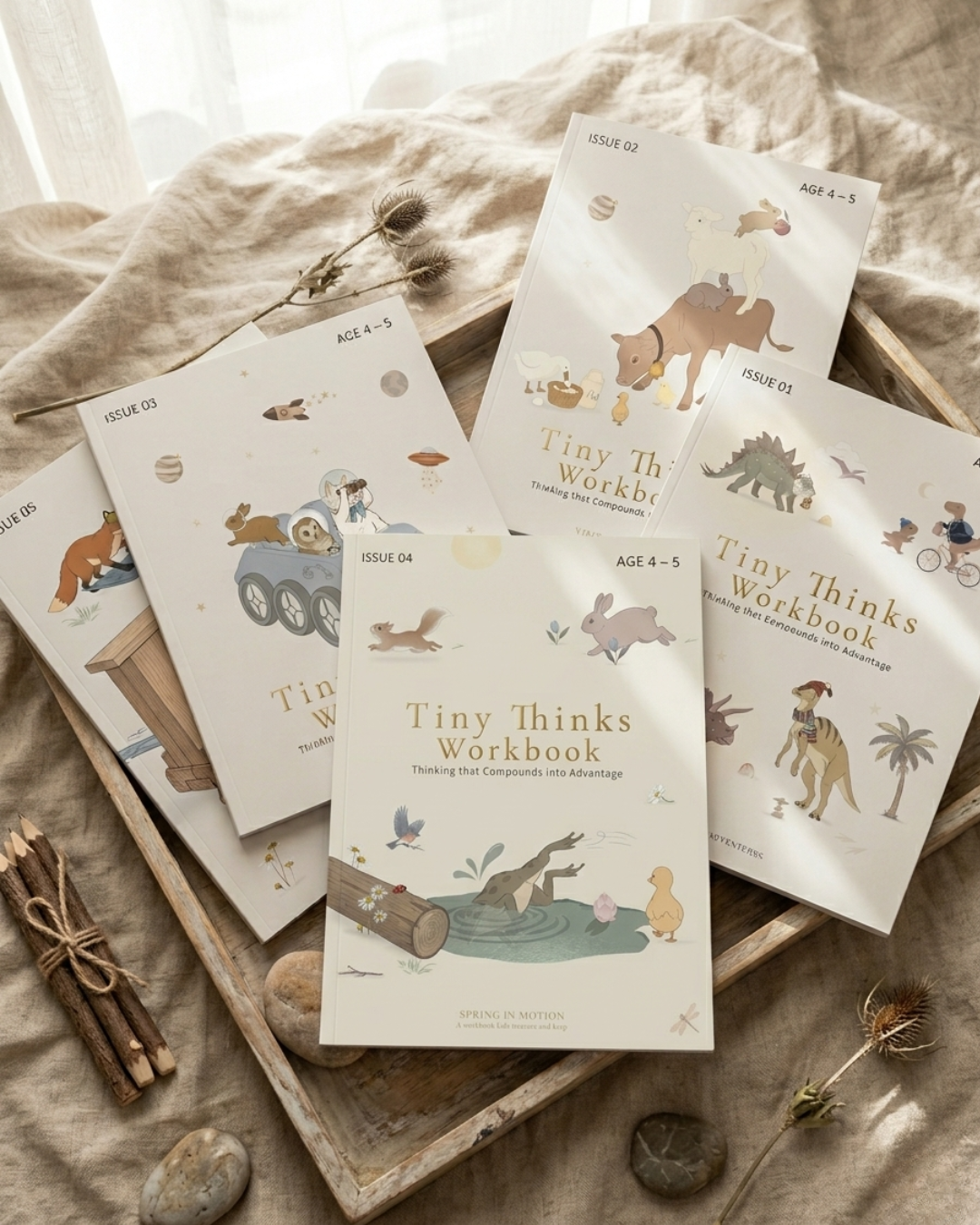
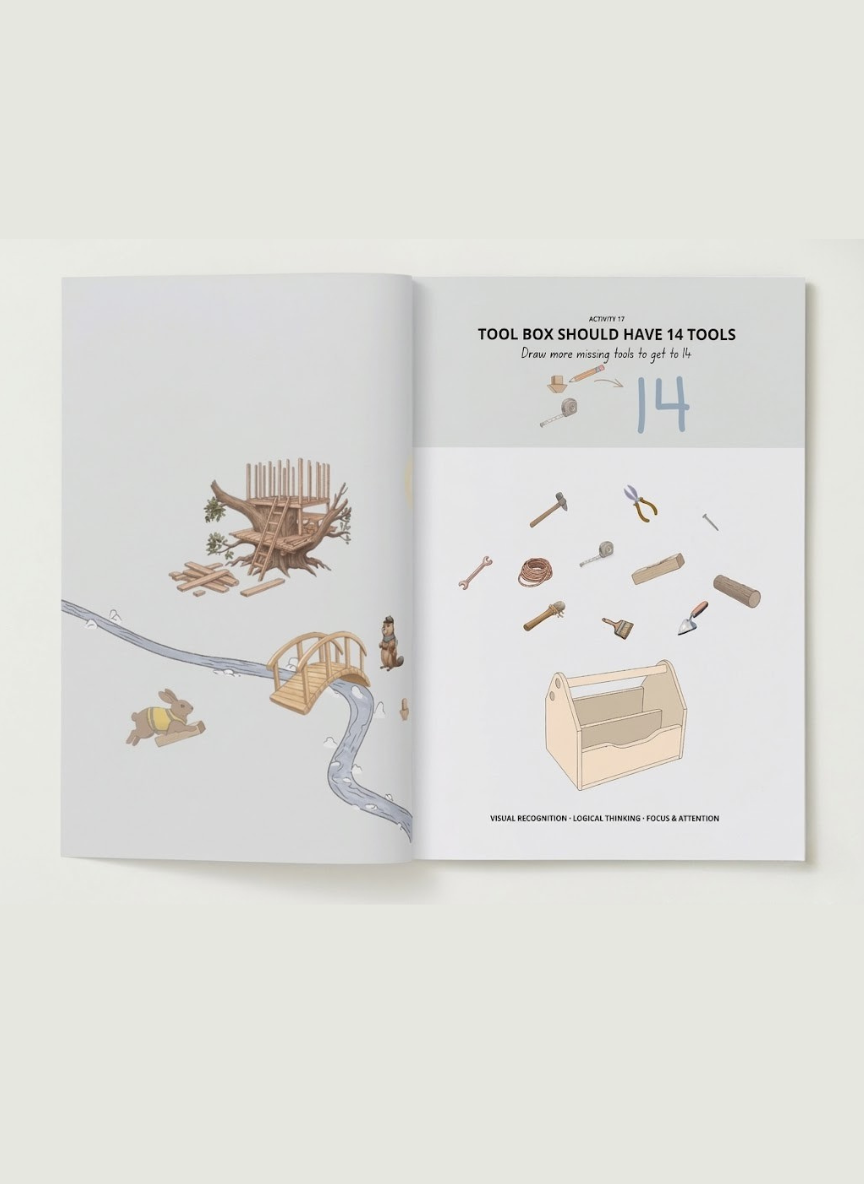
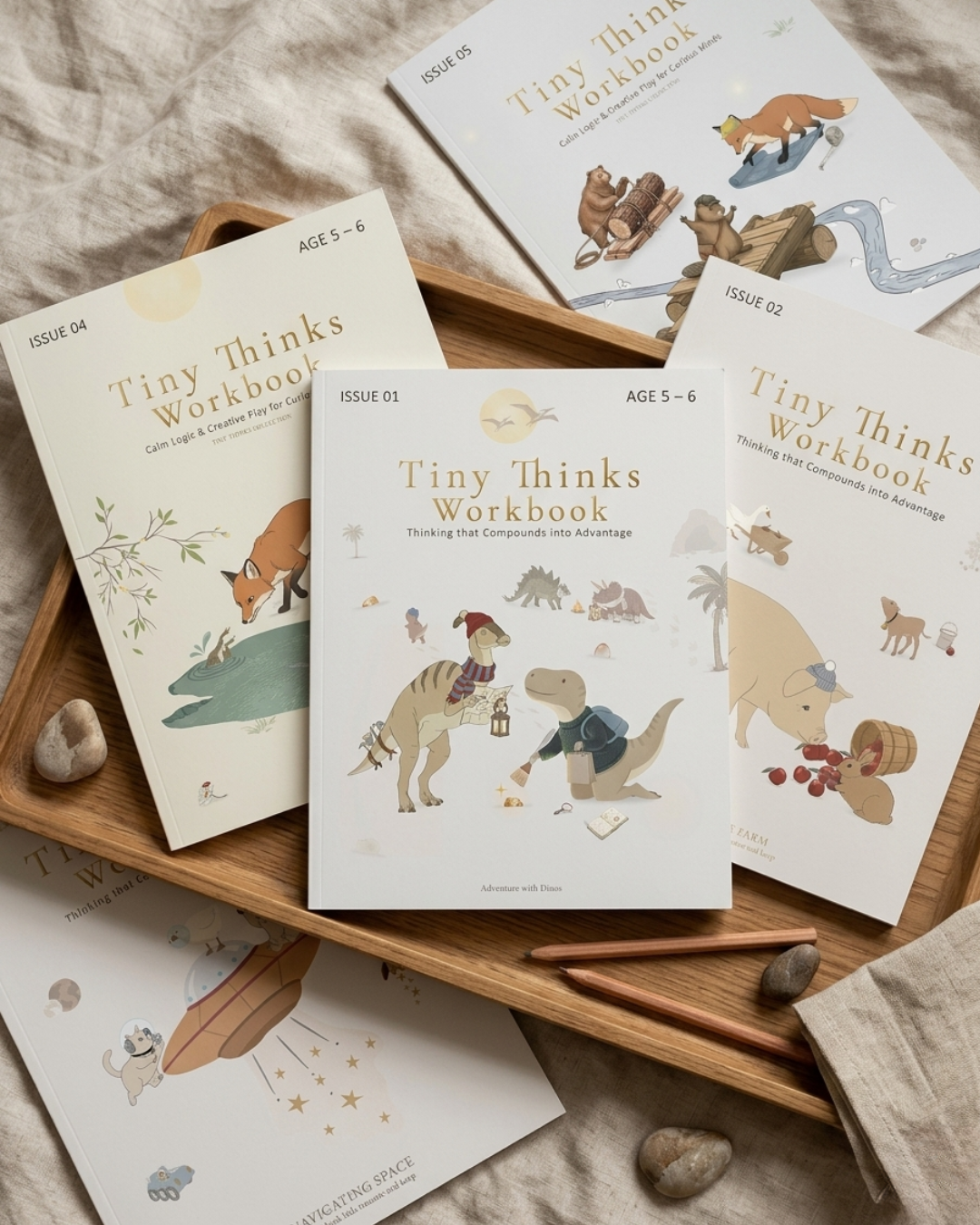
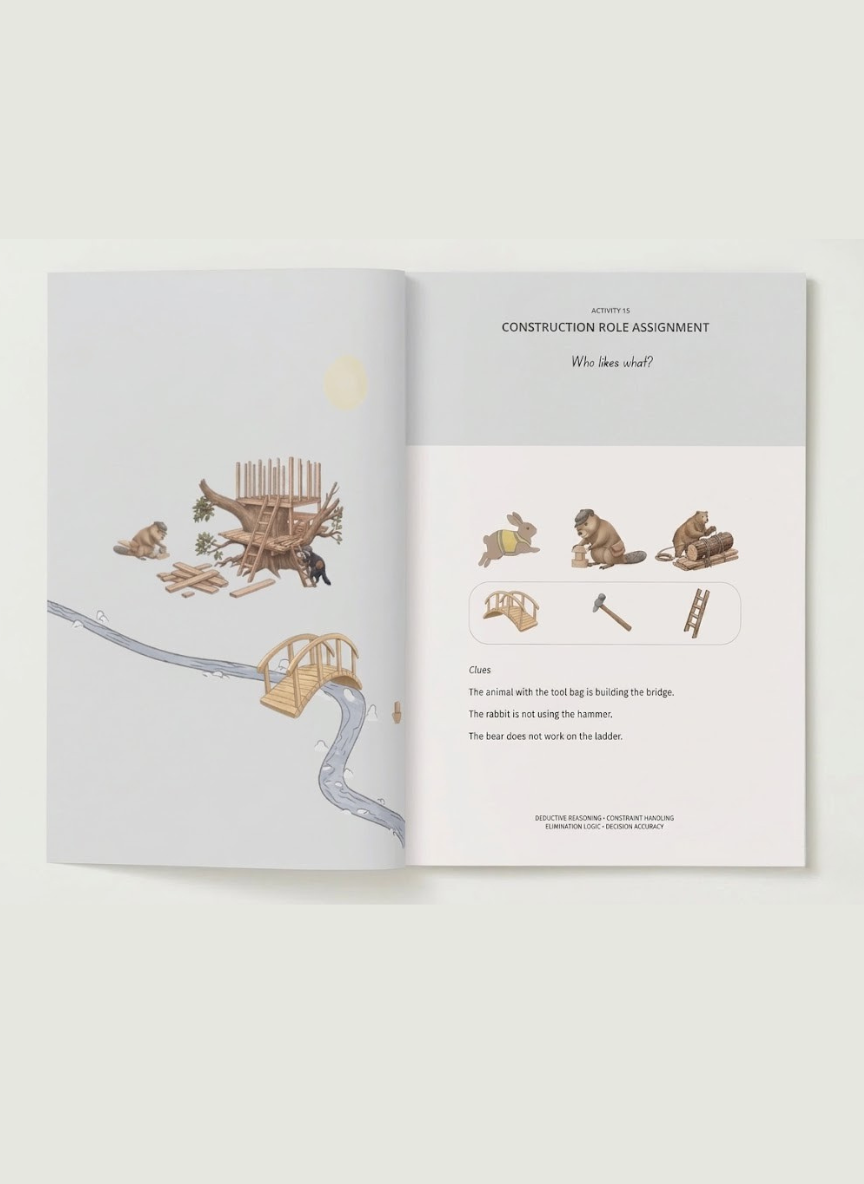
Tiny Thinks™ is not anti-screen. Most families utilize YouTube Kids as a convenient babysitter, particularly while traveling, eating, or in a waiting room. The challenge is regulation. Fast, algorithm-driven content can fragment attention and make it harder to shift gears. When your kid is hyper after the screen, you need a composed, calm alternative. it was designed as that alternative, a screen-free mechanism for calming, centering, and rebooting cognitive capabilities. The Free Calm Pack is made for these moments in real life, after school, screen transitions, or whenever you need a breezy wind-down. For kids who need more, age-based Workbooks provide predictable, low-noise activities that build attention, sequencing, and independent initiation without the fast-video dopamine spikes.
How YouTube Kids Works
YouTube Kids aims to provide a more curated experience for children’s screen time, especially for the preschool age group. The app’s underlying framework is based on curated educational content, algorithmic suggestions, and parental control dashboards, ensuring that kids can explore a safer space on the YouTube platform while limiting exposure to concerning videos.
1. The Algorithm
YouTube Kids employs algorithms and curated playlists to determine the videos children view. The system relies on patterns, such as what a kid watches, how long they watch, and which videos they engage with. This data feeds recommendations, with age-appropriate content theoretically surfacing, often of an educational rather than purely entertaining bent.
The algorithm’s logic is anything but perfect. It prioritizes hyper engaging clips. At times, it even promotes frenetic, visually noisy content that can break up attention spans and increase excitation. Even with age filters—ranging from 4 and under, 5–7, and 8–12—some videos with cartoon graphics or known characters might sneak in, enticing the toddler eye but containing themes best left to the older kids.
2. Human Review
While algorithms are the first layer, human moderators are key to flagging and removing content that breaks the app’s rules. Reviewers help catch subtleties algorithms miss, like tricky thumbnails or videos that begin innocently and then change tone halfway through. Still, the system isn’t foolproof. With so many uploads, not every single video gets a quick human check, so some kludgy clips linger for hours and even days.
3. Parental Controls
Parents have deep control over their child’s YouTube Kids experience. They can create up to eight profiles, each with an avatar, passcode, and custom settings. With time limits of up to one hour, filters, and the option to turn off search, parents have direct control over what their kid watches and for how long. Autoplay and search history can be paused or turned off, customizing the app’s feedback loop and limiting exposure to unwanted content. These controls aid in carving out a more predictable, structured experience, especially during high-friction times like after school or bedtime.
4. Content Policies
YouTube Kids maintains strong rules against explicit violent or adult content and anything that could potentially be harmful, ensuring a safe environment for kids. Videos with hate speech, risky challenges, or improper ads are banned. Studies reveal that 27% of videos seen by kids under eight are meant for an older audience, with violence as the most frequent threat. This disconnect between policy and practice highlights the necessity for continuing parental monitoring on video sharing platforms.
5. Data Privacy
The app collects data to customize suggestions and advertisements and asserts it restricts the extent of information acquired from children. There are data privacy measures and the impact of data collection concerns families globally. For some, this is a workable compromise; for others, it’s a justification for the pursuit of less-stimulating, screen-free content.
Tiny Thinks™ is there for those times when parents need something different—focused, soothing, and hands-on. When your kiddo is bouncing off after a YouTube session or winding down at night, the Free Calm Pack or a focused Tiny Thinks™ Workbook is a hands-on relief. There’s no screen-shaming pressure to ditch screens; there is just a trusted manner to revive your attention and get kids settled with real paper, real sequence, and real thinking.
The Unseen Risks
Parents understand how difficult it is to protect young children from disturbing videos on various video sharing platforms. Even with the best filters, one stray tap can send a four-year-old in front of scary visuals or sounds on the YouTube platform. The consequences of accidental bursts can linger, as a kid who accidentally catches a frightening clip might lose their appetite, become jittery at bedtime, or start echoing unknown phrases. These moments don’t just upset temporarily; they can shatter a child’s sense of safety and trust in screens altogether.
Inappropriate Content
Most parents observe the incessant advertising interlaced in kids’ online videos. Even on kids-specific platforms, it’s difficult to escape ads. A toddler could be viewing a basic counting tune when, bam, an ad for a new toy or burger chain streaks across. This isn’t just blah, blah, blah. Frequent exposure forms what kids desire and how they think. The fiction of entertainment begins to shade into the reality of persuasion. Before you know it, your toddler is requesting brand-name snacks at the store or demanding the newest character toy, parroting slogans from commercials they half-comprehend.
This isn’t a coincidence. The advertising is intended to get around parents’ filters and talk straight to the children. For a preschooler who can’t yet separate content from marketing, commercials are compelling and often more captivating than the program.
Commercial Influence
Online videos have become a routine part of toddler and preschooler life. The early exposure has its compromises. These children are still honing fundamental thinking skills such as attention, memory, and pattern recognition. Their brains are structured for gradual, tactile learning. Jarring, quick-hit, algorithmically determined video clips can interfere with these processes.
Parents often notice the switch: before screens, a child might play with blocks for ten minutes. Following screens, that same child may bounce from toy to toy, never able to fully rest or concentrate. It’s not only what they watch; it’s how the pace and randomness of video splinters their focus.
Toddler Exposure
It’s not about policing every second or banning screens. It’s about what screens you do and don’t have, and what you put in the in-between spaces. Kids do best when parents are actively involved — previewing material, setting limits on screen time and providing equally captivating alternatives. I’m not talking hours of crafts or fancy activities. Sometimes, it’s as easy as giving a kid a quiet, organized workbook after school or during a long wait. Tiny Thinks™ was born for these moments where your child needs a calm space to concentrate but isn’t yet prepared for free play.
The FREE CALM PACK is an easy first step. Parents employ it for after-school transitions, travel, mealtime quiet or to reboot after screen time. When families want more, the age-based Tiny Thinks™ Workbooks take the same peaceful, self-motivated thinking—no nagging, no helicopter monitoring. Across cultures and routines, the goal is always the same: restore regulation, build focus, and let children settle themselves—screen-free, predictably, and with no pressure.
Your Role as a Parent
While YouTube Kids is aimed for little eyes, there is no such thing as a set-and-forget digital service. Your role as a parent is crucial not because screens are “bad,” but because kids 3–7 are still developing the cognitive scaffolding necessary to process rapid, algorithmically curated content. Most parents flip-flop between craving the pragmatism of screens and fretting about what their kid might discover. YouTube Kids offers an array of controls, but these tools work best when anchored to real-world routines: after school, dinner prep, travel, or while waiting at the doctor. It’s not about screen eradication. It’s about developing a low-stimulation, consistent ‘cage’ around them, employing both digital defaults and quiet offline options.
Set Up Controls
YouTube Kids starts with content filters, allowing parents to create age-based profiles or manually approve content. Choosing a ‘Preschool’ or ‘Younger’ option minimizes access to disturbing videos that cater to older audiences. These controls aren’t static; as kids grow and their understanding deepens, profiles should be reviewed every three months. This ensures they have access to quality videos suitable for their age group.
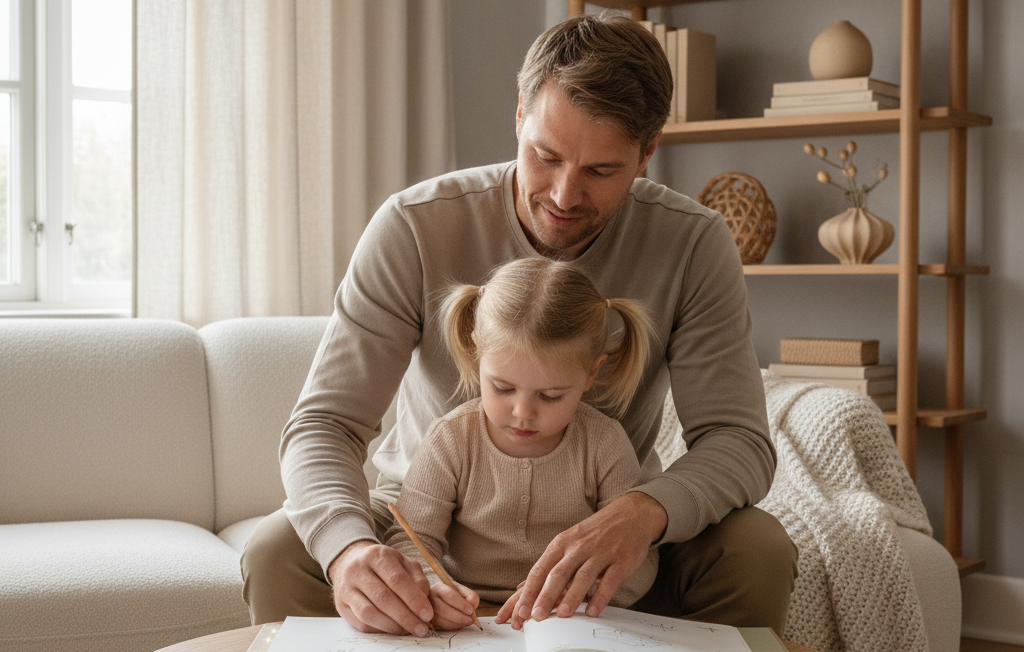
Parents often find themselves surprised at how much content seeps in, even with filters in place. Co-viewing is a subtle yet effective strategy, providing parents the chance to experience firsthand which videos spark confusion or curiosity. When a child questions a character’s actions or notices something unusual, it opens a window into their mind. Over time, these shared moments foster trust and help kids process what they’re watching, steering them away from unhealthy screen time addictions and towards educational content that enriches their understanding.
Watch Together
Watching together isn’t about watching every second. It’s more about establishing a shared experience, so video doesn’t end up as an isolated, mindless escape. Children who watch alongside a parent are more likely to stop, inquire, and think — all abilities that develop working memory and attention. Your job as a parent is that when screen time is a predictable, peaceful ritual, control gets better.
Report Content
When any inappropriate or confusing videos do pop up, reporting them is the key. Parents can flag content right in the app, part of the safer library for all. Community involvement is not simply a technical characteristic; it’s where cultural standards for what’s ‘acceptable’ to watch are formed. Active reporting demonstrates to your children that even on screens, there are limits and expectations.
Limit Time
Implementing daily time limits in the kids app is essential. By setting a consistent hard cap, such as 20 or 30 minutes, kids understand what to expect. This structured approach, when combined with tactile experiences like blocks and tracing, ensures screen time remains just one part of a balanced routine that fosters attention and patience, essential for their development.
Explore Alternatives
Your job is not about picking screens or learning. Platforms such as Tiny Thinks™ provide tranquil screen-free brain work, which is great after school, at the table, or at bedtime. The Free Calm Pack offers instant, guided thinking play that resets post-digital-input focus. For longer spans, age-based Workbooks ground focus and self-starting. These aren’t “bonuses” or prizes. They’re dependable relief devices for the times when quick digital input isn’t what you need.
After school or after a YouTube session, when attention feels scattered, Tiny Thinks Free Calm Pack provides a quiet reset without negotiation or screens. This is the system families reach for in those exact moments.
Beyond The Platform
YouTube Kids filters content to make a safer video space for young children. Many parents say their kids have encountered age-inappropriate content. Algorithms try to intercept explicit content, but nothing is perfect. Other videos sneak through, particularly ones that appear child-appropriate in thumbnails but feature topics or vocabulary that disturb kids. For a parent attempting to keep the peace after school or before bedtime, just a few seconds of an inappropriate video can wipe out hours of regulation.
Parents’ concerns about exposure are deeply ingrained. These worries often connect to academic major, ethnicity, and class issues. Some more educated parents are less sure that services such as YouTube Kids can keep out bad content. Others, typically less formally educated, emphasize the platform’s potential to expose their children to new cultures and ideas, even viewing it as an educational positive at times. Parents’ comfort with screen time differs as well. Some parents impose hard limits, while others let their kids go wild, hoping they’ll catch some new knowledge or language.
Socioeconomic background colors the experience, too. Lower-income families may rely on platforms like YouTube Kids for education and amusement, particularly when alternatives are scarce. Kids’ age and parental guidance are an obvious influence on what they watch and how they process it. Five-year-olds left to surf solo will inevitably drift towards more exciting, quick-cut content than a kid with an adult nearby, softly guiding the decisions.
Even with your best filters and intentions, online video is engineered for speed, novelty, and algorithmic engagement. Short clips, fast cuts, and random suggestions keep the nervous system on edge. This makes it more difficult to wind down after screen time. Most of us parents observe our children’s attention fracturing after extended YouTube sessions or tantrums when it’s bedtime. The fact is, screens are a reality for most families. They’re a lifesaver in a pinch, but they simply don’t provide the calm, concentrated cognition that parents aspire to witness.
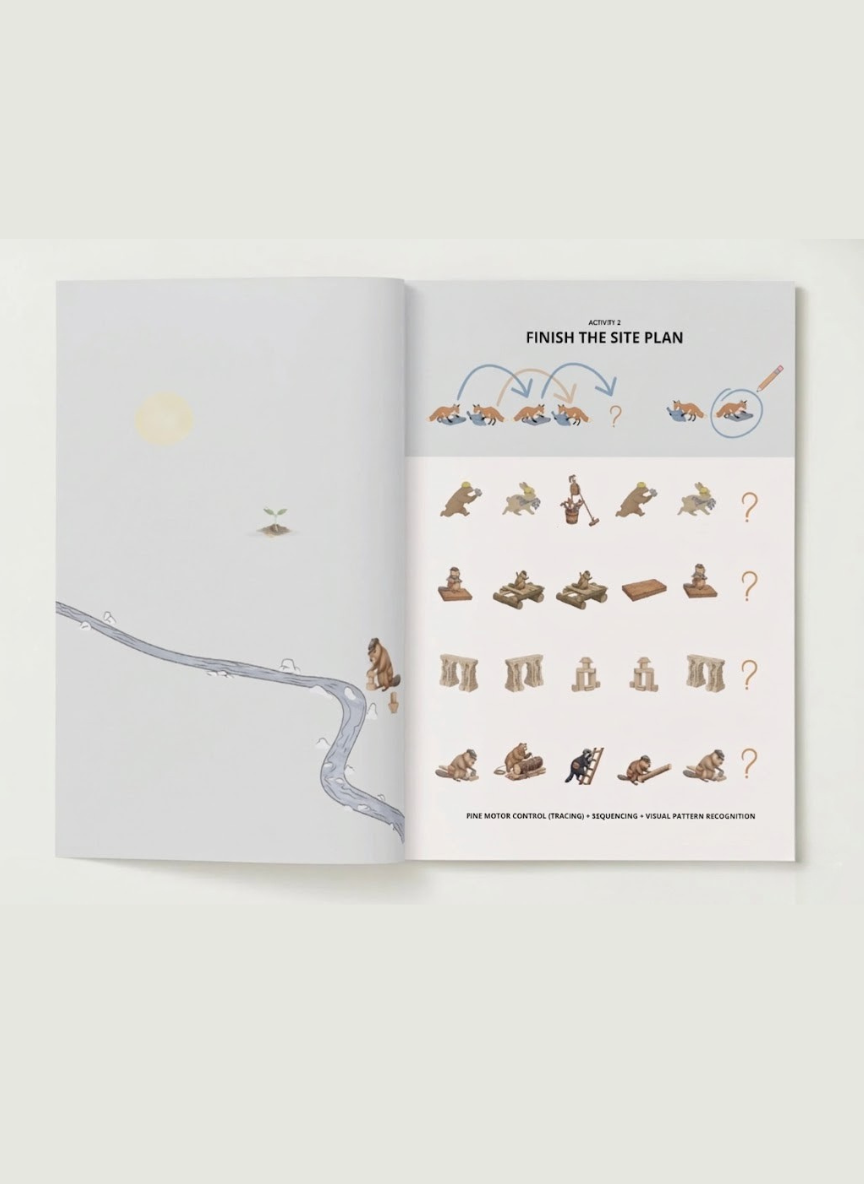
Tiny Thinks™ constructs an alternative layer without screens, prioritizing regulation and child initiation. When a parent needs their kid to calm down after school, survive a stressful dinner time, or relax before bed, the Free Calm Pack is a trustworthy go-to. Kids choose the activity, the pace is slow, and the framework is defined. There are no blinking pictures or random animations—just good old-fashioned, hands-on, concrete thinking: pattern matching, sequencing, and soft logic. For families seeking even more, age-specific Workbooks extend this serene, systematic thought into repeatable rhythms. None of this is intended as a judgment on screen use; rather, Tiny Thinks is designed for when parents require regulation and focus, not dopamine spikes.
My Verdict on Safety
YouTube Kids is created for younger audiences, but control isn’t guaranteed. Parents notice this quickly: a child watching a cartoon, then suddenly a video with aggressive jokes or adult themes, all within the same session. Studies support what many parents already suspect. One such study discovered that 27% of videos watched by kids under eight were not made for them. Violence is the most typical negative content, but sometimes it’s sneakier — a video that appears child-friendly on the surface but transitions into inappropriate content.
YouTube has made genuine strides here. They employ human monitors to screen videos identified as offensive. Fortunately, the search function can be disabled altogether, which silences much of the wildness. Timers allow parents to establish specific limits on the duration of a child’s viewing, a useful measure to decrease mindless scrolling. These are fine tools, but they’re not a comprehensive answer. Despite their curation and monitoring, some inappropriate videos still slip through. No filter is foolproof, especially when algorithms are in charge.
Numerous parents have observed mature themes or unsettling content slipping through the platform’s filtering. It’s not always apparent — some begin safe and then twist. A four year old could click a video with characters they know and conveniently be watching something for much older kids. Trust can’t be automated. Parental guidance and in-person oversight remain the golden safety nets. Passive monitoring is not sufficient when a child is young. There must be someone around, poised to intervene.
That’s why screen-free, regulation-first systems are important. Tiny Thinks™ isn’t about spanking screens or shaming parents for using them. It’s a relief valve for the times you want your kid to calm down, pay attention, and connect without the quick-shifting buzz of electronic stimulation. After school, when focus is fragmented. At dinner, when you want silence. On a long car ride, when patience is at a premium. In these moments, a soothing, regimented workbook does more than keep kids busy; it develops concentration, encourages self-starting, and assists children in self-control.
The Free Calm Pack is a good place to start. No obligation, no stress. Simply a low-stimulation, thinking machine-type system moms and dads can pass off and feel secure about. For families needing more, age-based Tiny Thinks™ Workbooks deepen the structure with predictable, repeatable tasks that invite quiet absorption without constant adult direction.
Conclusion
YouTube Kids can seem like a safe cop-out in the heat of the moment, especially when the day is dragging and you need a break. The platform’s safety tools are only as extensive. Algorithms move faster than any parent can check, and content standards are difficult to ensure. Most families perceive the vulnerabilities, the quick bizarre video, the strange recommendation, a child’s fragmented concentration after mere minutes. Real safety is about structure, not just filters. Unsurprisingly, peaceful, in-person, hands-on play consistently re-centers over-stimulated and settles busy brains miles more effectively than screens. For families seeking more than just ‘not dangerous,’ it’s clear: screen breaks and quiet, thinking-based alternatives help children reset and build lasting attention without the side effects.
When screens stop working and you need calm, structured focus at home or before bedtime, Tiny Thinks Workbooks become the default replacement. They are designed for independent, low-noise thinking when regulation matters most.
Frequently Asked Questions
Is YouTube Kids completely safe for children?
There is no platform that is 100% safe. YouTube Kids employs a mix of filters and human review, but unsuitable content can occasionally get through. A parent should always be watching.
Can I control what my child watches on YouTube Kids?
Yes. Profiles can be created, screen time can be limited, and particular videos and channels can be blocked or approved. These tools allow you to customize the experience for your child.
Are there ads on YouTube Kids?
Yes, it does have ads. YouTube Kids displays minimal ads, but they are meant to be all family-friendly as well. Other parents find the ads distracting or inappropriate.
How does YouTube Kids filter content?
YouTube Kids employs automated filters and parental control dashboards to ensure that videos kids watch are suitable, but not all content is ideally screened.
What risks exist on YouTube Kids?
Dangers encompass access to disturbing videos, overuse of television, and possible privacy concerns. Moms and dads, you better watch what your kids are watching on video sharing platforms.
Can my child interact with strangers on YouTube Kids?
There’s no direct messaging or commenting on YouTube Kids. This minimizes the chances of exposure to stranger interactions.
Is YouTube Kids available worldwide?
YouTube Kids is a popular children’s video sharing platform worldwide, but its content and features may vary based on location.