Key Takeaways
- While YouTube Kids has safety measures in place, recommendation algorithms, covert advertising and moderation loopholes can lead kids to unsuitable content or ads.
- Automated systems occasionally miss violent imagery or unsettling themes, so active parent engagement and hands-on content review are imperative for keeping things safe.
- Children’s data may be collected or profiled. Stronger protections are needed, and parents should carefully review privacy settings.
- While parental controls, supervised accounts, and restricted mode are handy, they are most effective when parents customize settings and keep talking to their kids about going online safely.
- By co-viewing videos, setting screen time limits and fostering open dialogue, you help your children establish good media habits and critical thinking skills.
- By adopting alternative, child-friendly platforms and updating family media practices, parents can provide a safer and more balanced digital experience for young viewers.
Is YouTube Kids safe for young children? Many parents ask this as they try to balance screen time, safety, and calm routines at home.
Families often ask is YouTube Kids safe when autoplay pushes unpredictable content.
YouTube Kids aims to provide a kid-friendly online video experience, utilizing filters and controls to keep kids from viewing unsuitable material. Many parents still fret over what their kids see, how ads sneak in, or how such fast-paced videos impact attention and behavior.
If you’re asking is YouTube Kids safe, start by understanding how fast-paced video cycles affect attention.
If you’re still weighing is YouTube Kids safe for your family, the Free Calm Pack offers a simple screen-free starting point that helps reset overstimulated attention gently.
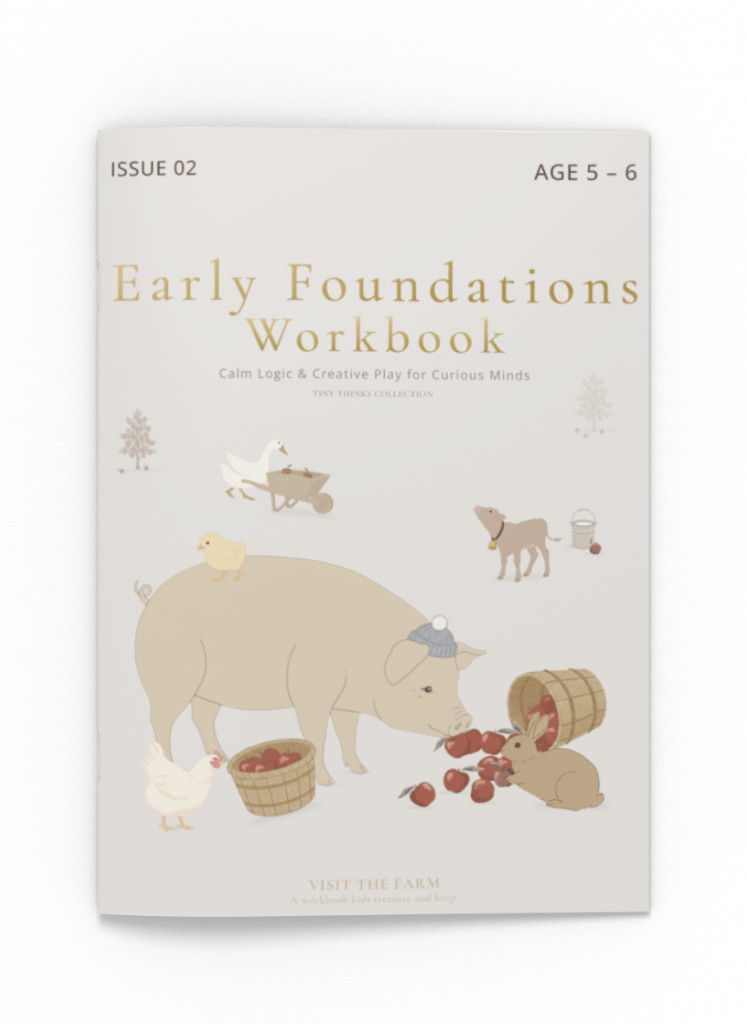
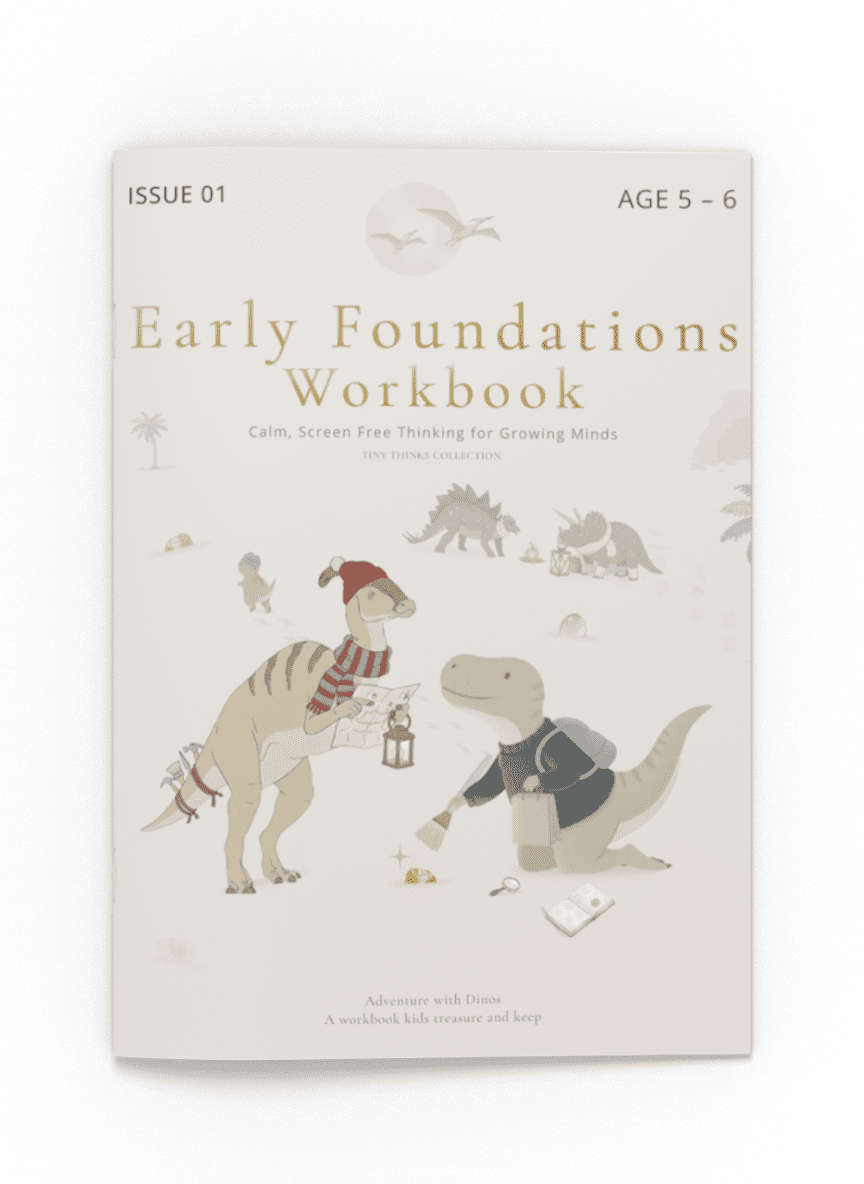
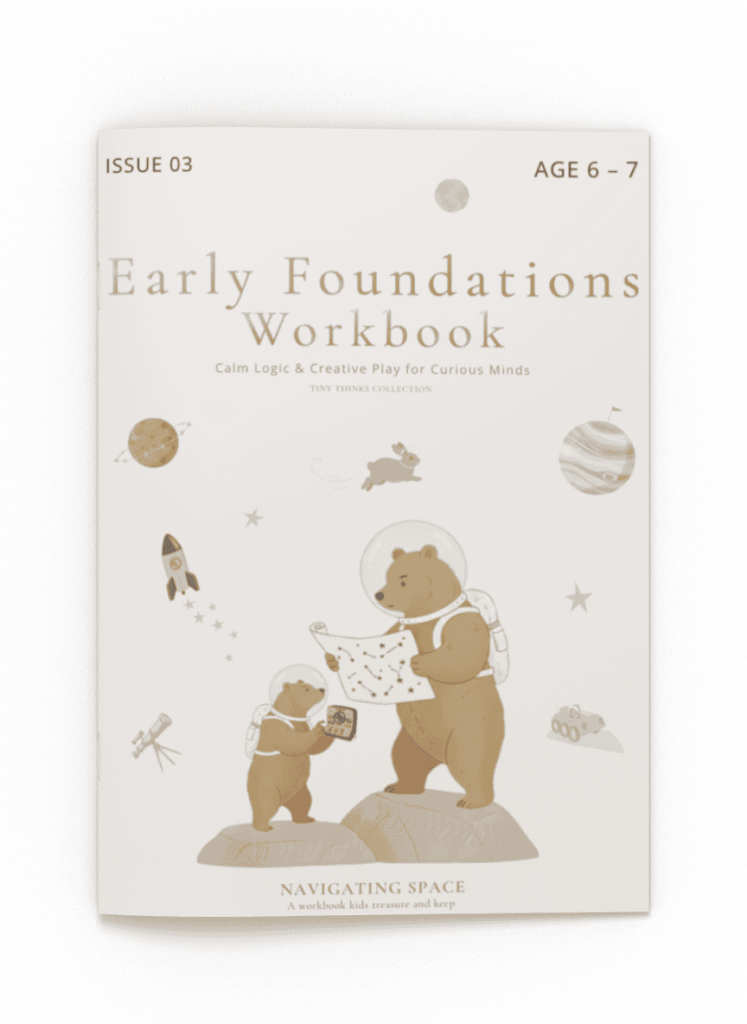
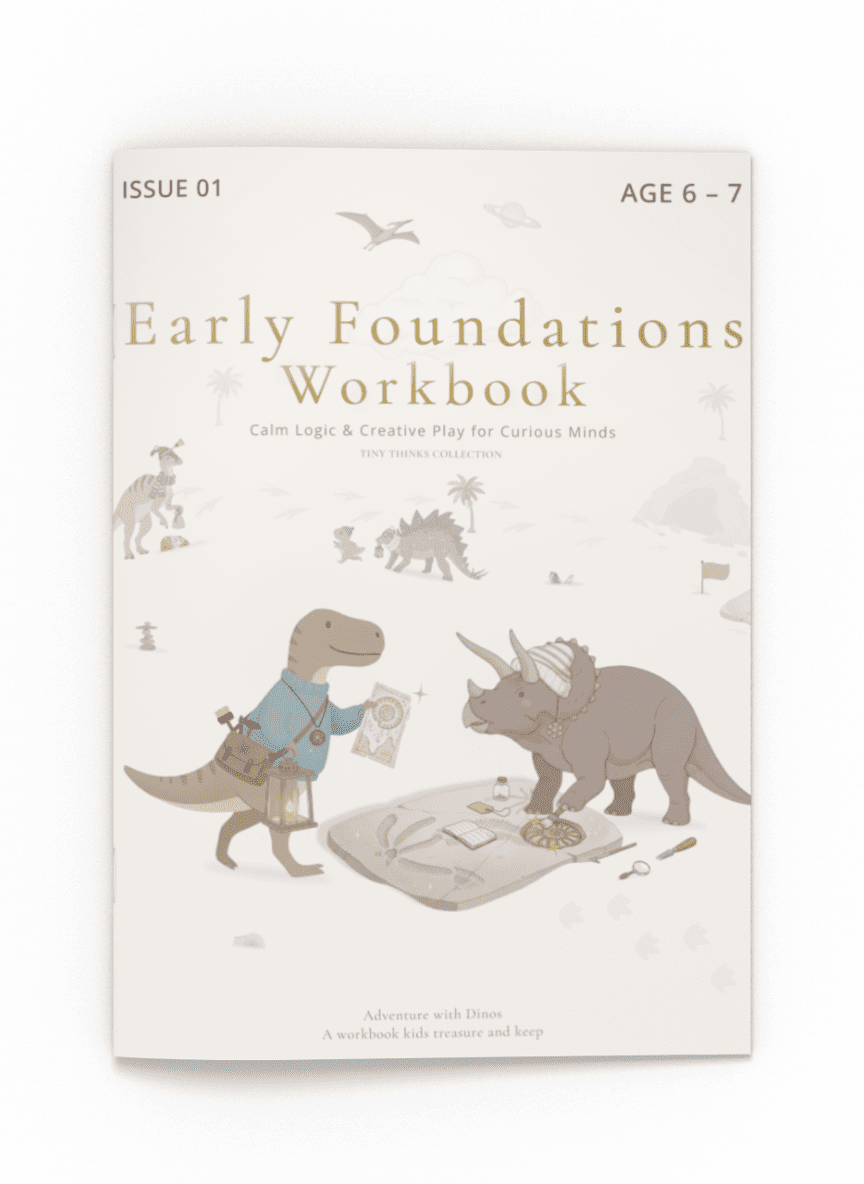
Many parents who question is YouTube Kids safe for their child’s daily routine find steadier results with our Tiny Thinks Workbooks, which provide calm, structured focus without any digital distraction.
The Unseen Digital Playground Risks
YouTube Kids opens the door to tens of thousands of kids’ videos. Lurking under the shiny interface, potential pitfalls can sneakily mold your kid’s experience. These risks are hidden, embedded in algorithms, ads, and even the design of the platform itself.
To understand whether is YouTube Kids safe, we have to look beyond filters and into how its algorithms work.
Algorithmic Dangers
Algorithmic dangers that can expose children to inappropriate content include:
- Algorithms may push trending videos, regardless of age-appropriateness.
- Autoplay queues can intermingle safe clips with borderline or disturbing ones.
- Inappropriate videos disguised as cartoons can slip past filters.
- Sensational or violent thumbnails can appear in recommended lists.
- Algorithmic bias may amplify addictive or extreme content themes.
One click on a video with bright colors and loud noises can trigger an avalanche of recommendations, some featuring disturbing imagery or bizarre themes that evade moderation. Autoplay on the kids app is the secret sauce that keeps children watching, sometimes for hours, eliminating the pause between videos and making it less likely for them to take breaks. This overstimulation can overwhelm young nervous systems, leading to trouble winding down post-screen time.
One click on a video with bright colors and loud noises can spark an avalanche of recommendations, some of which can feature disturbing imagery or bizarre themes that evade moderation. Autoplay is the secret sauce that keeps kids watching, sometimes for hours. It eliminates the pause between videos, so pausing becomes less probable and overstimulation more frequent.
This persistent influx overwhelms young nervous systems, setting up a feedback loop of restlessness and trouble winding down post-screen. Algorithmic bias, based on engagement, can drive recommendations toward what’s popular, not what’s safe or developmentally appropriate. There is little transparency in how these systems work, so parents seldom understand why particular videos are presented.
When autoplay leads kids to strange or loud content, families ask is YouTube Kids safe for unsupervised viewing.
Even calm kids can become overstimulated, prompting parents to ask is YouTube Kids safe long term.
Inappropriate Content
When inappropriate thumbnails appear, the question is YouTube Kids safe becomes immediate.
The allure of ‘kid-safe’ is muddled by the fact that distressing content can and does sneak through. There have even been instances where violent or gory scenes are edited into known cartoon characters, stunning unsuspecting young children. Profanity, even if it’s mild or masked, will become normalized as kids hear it over and over in digital media.
Some videos have unsettling themes, terror, bereavement, violence, cloaked in cheerful animation, making it difficult to recognize by quick viewing. Since you can’t watch every video, keeping content in line with your family’s values is an ongoing princess hunt.
Data Privacy
Privacy issues make many families pause and ask is YouTube Kids safe when it comes to children’s data.
Implications of data collection on children’s behavior include:
- Platforms track viewing habits, search history, and device data.
- Profiles are built, sometimes exposing children to targeted advertising.
- Personal information may be shared with third parties.
Parental consent is key, but many of these systems are easy to bypass or miss. Children’s privacy protections often have loopholes or aren’t enforced. Kids’ data collected can be used in ways parents never meant it to.
We certainly need stronger regulation to keep children’s personal information out of the hands of predators.
Privacy issues make many families pause and ask is YouTube Kids safe when it comes to children’s data.
The more you explore its privacy policy, the more you may question is YouTube Kids safe regarding data handling.
Hidden Marketing
Concerns about is YouTube Kids safe rise when ads and branded content sneak into recommended clips.
Advertising is baked into video platforms. Kids are exposed to branded characters, sponsored “unboxing” videos, and commercials masquerading as play or tales. These ads can influence children’s preferences, leading them to request new toys or snacks after just minutes of exposure.
It’s unethical to advertise to children who cannot separate fun from ads. Parents can assist by teaching kids to recognize ads, but the majority of children under age seven have difficulty even recognizing persuasive intent in media.
Screen-free options such as Tiny Thinks™ Workbooks and the Free Calm Pack avoid these digital hazards. They provide quiet, thoughtful experiences that cultivate cognitive abilities absent the randomness of algorithmic curation or the presence of advertising.
Conversations about screen time often include the question is YouTube Kids safe in comparison with screen-free routines.
How Safe is YouTube Kids?
The real question is YouTube Kids safe becomes clearer when you examine the hidden risks behind recommendations.
YouTube Kids says it provides a safer online space for 4 to 12-year-olds where specialized features can help restrict access to unsuitable content. Its safety design is age-based content settings, restricted comments, and an ad model without personalized tracking. Although these steps are a step in the right direction, no platform online is completely safe, especially for the very young. Active parent engagement is still the key to actual safety.
|
Platform |
Age-Based Settings |
Human Review |
Parental Controls |
Ads |
Comment Section |
Automated Filtering |
|---|---|---|---|---|---|---|
|
YouTube Kids |
Yes |
Yes |
Yes |
Limited |
Restricted |
Yes |
|
Netflix Kids |
Yes |
Some |
Yes |
None |
None |
Yes |
|
PBS Kids |
Yes |
Yes |
Basic |
None |
None |
Yes |
|
Disney+ Kids |
Yes |
Some |
Yes |
None |
None |
Yes |
1. Content Moderation
YouTube Kids uses both automated systems and human reviewers to vet videos before they get to kids. Automatic filtering checks for keywords and images, but it has trouble with context, so some weird or adult content can get through, particularly in languages or cultural references the system doesn’t grasp.
Human reviewers provide nuance and spot what algorithms overlook, but it’s not practical to review every upload given the volume. Ongoing updates seek to address these gaps, and parents frequently describe encountering content that startles them.
A lot of parents evaluate whether is YouTube Kids safe compared to platforms like PBS Kids or Netflix Kids.
Parents compare apps to decide is YouTube Kids safe or whether alternatives are more regulated.
2. Parental Controls
Even with strong parental controls, some still wonder is YouTube Kids safe for sensitive or easily overwhelmed kids.
The app’s controls allow parents to set screen time limits, approve channels and restrict by age. Settings can be dialed up as a child ages, but these tools are most effective when combined with actual dialogue about what’s being viewed.
For instance, you may have a 5-year-old that’s set to ‘Preschool,’ but if parents don’t verify what is in that grouping, surprises can occur. Regularly tweaking controls as kids grow and carving out time to co-view or chat keeps things safer.
Your child’s temperament influences whether is YouTube Kids safe for your home routine.
3. Age Verification
Proper age verification is key to safe content delivery. Platforms such as YouTube Kids continue to depend primarily on self-declared data. Kids can easily lie about their age or hop on a sib’s account, circumventing the safeguards.
More robust age checks, like parent verification or secure IDs, may aid this effort, but the majority of platforms have not yet adopted these in full. Parents should always supervise account creation.
4. Reporting System
Anyone can flag questionable videos in YouTube Kids. User input is critical. When enough parents are reporting an issue, things tend to move more quickly.
It’s not always fast. Some flagged videos stay up for hours or more. The more parents report, the better the ecosystem becomes. A genuinely responsive system remains a work in progress.
5. Human Review
Human moderation is the foundation for actual safety on YouTube Kids. Automation tools capture the obvious, but the borderline subtle aspects, satire, moderate violence, and cultural references, these require human discernment.
Going forward, investing in more human reviewers and being transparent about how the review works would build trust for families. Until then, nothing replaces a parent’s eye.
Beyond The Default Settings
Default safety settings on YouTube Kids can provide parents peace of mind. Numerous families realize these controls aren’t all-encompassing. Kids 3–7 in particular can easily stumble upon content that is too mature or just not something their parents would pick. Some kids are fast learners; they can get around locked features, even the ‘safe’ stuff.
Parents can use more advanced settings and regulation-first approaches to carve out a safer, calmer digital space. Nothing substitutes for continuous oversight, candid conversation, and dependable screen-free alternatives.
Supervised Experience
With a supervised YouTube Kids experience, parents have more control, particularly for kids primed to venture into unsupervised viewing. They can link a child’s account to the parent’s, so families can see search histories, monitor what’s being watched and establish defined boundaries.
This technique assists in customizing content suggestions to align with a child’s age and interests, reducing the likelihood of random or mature videos slipping through. Co-viewing is an incredibly effective means to establish trust and to open up a conversation.
Sitting together, even for a few minutes, allows you to model thoughtful decisions and discuss what’s on the screen, not just what’s “safe,” but what’s nice, fascinating, or meaningful. When kids get older, incremental movement towards greater freedom can feel like a vote of confidence, not a limitation.
Oversight is never perfect. Some kids will still find workarounds, so this works best when paired with regular check-ins and real talk about online danger.
Restricted Mode
Restricted mode filters out inappropriate videos using automated technologies and human review. It can reduce exposure to violent or mature content, yet many parents report gaps. Children sometimes find a way past controls or restricted mode simply misses problematic videos.
Let me just give one example: one parent caught her kid watching a cartoon with mature themes far beyond their age, even with all the filters set. Activating restricted mode continues to be a valuable additional safeguard.
It’s not foolproof, but it does introduce friction to toddlers crawling around looking for taboo material. The trick is to check in and update these settings once in a while. YouTube’s algorithms shift, as does the selection of videos available.
Depending on restricted mode by itself is dicey, but pairing it with a heavy dose of supervision and sustained conversations is more effective.
Content Levels
|
Level |
Description |
|---|---|
|
Preschool |
Simple songs, learning and gentle stories for ages 4 and under |
|
Younger |
Content for ages 5–7, including cartoons and basic learning |
|
Older |
For ages 8–12, adds more variety and complexity |
Selecting the appropriate content level is about more than just age: your child’s maturity level, sensitivities, and your family values all come into play. For the majority of kids aged 3 to 7, “Preschool” or “Younger” will suit BEST.
Parents can swan through options as a family, selecting educational and calming videos instead of rapid-fire, high-stimulation alternatives. You should balance screen time with offline activities.
Structured, hands-on work such as the picture-matching and logic games found in Tiny Thinks™ Workbooks or our Free Calm Pack builds regulation, cognitive skills, and independent play in a way that screens cannot.
The Data Privacy Question
For toddlers and early learners, parents frequently ask is YouTube Kids safe during overstimulating moments.
Most parents focus on content when asking if the YouTube Kids app is safe. The bigger issue is often invisible: how the platform collects, stores, and uses children’s data. For families seeking peace in screen-free routines, knowing these privacy risks is just as critical as reducing screen time.
A data privacy checklist guides families. To begin with, kids’ behavior on YouTube Kids and similar apps is tracked—what they watch, for how long, and what they click on. This information can be exploited to construct intricate profiles. Specialists concern these profiles may be impacting more than simply what ads a kid sees.
Over time, these digital footprints may impact their future opportunities, such as school admissions or job offers, or may even make the children vulnerable to identity theft. No parent imagines their toddler’s viewing habits influencing their destiny, yet the data ecosystem is that pervasive.
Targeted advertising is yet another major point. The platform’s algorithms utilize children’s data to deliver ads that captivate young brains, occasionally blurring the lines between amusement and promotion. Lots of kids under seven can’t even distinguish, which leaves them particularly susceptible to compelling commercials.
The law mandates a few safeguards for youthful users, but no web service is totally safe. Even with privacy notices and opt-ins, targeted ads can still sneak in, imprinting on how kids crave and view the world. They are both possible and necessary, with stronger privacy controls and transparency.
YouTube Kids provides parents a dashboard to control what data is collected, check activity, and restrict visibility. The privacy policy and terms of service are available on the platform’s website, the iOS App Store, and Google Play Store. Families can view a transparency score for user data protection.
Higher scores indicate better practices, but even the highest-rated platforms continue to gather substantial data. YouTube Kids is from a major global corporation that makes massive profits from this ecosystem, which causes me to wonder even more about how much of this data is actually required and who benefits most.
Parents can do things to safeguard their child’s privacy. Checking and resetting dashboard settings, reading privacy policies, and openly discussing online presence with your kids all count. It’s not merely a screen time issue; it’s about comprehending how each click constructs an individual profile.
Professionals guiding early childhood development often analyze whether is YouTube Kids safe neurologically.
For families who want to sidestep these risks altogether, screen-free solutions such as Tiny Thinks™ Workbooks and the Free Calm Pack provide hands-on, regulation-first activities with no data mined, no ads, and no profiling. These are meant to cultivate thinking skills, focus, and peace for ages 3 to 7, at dinner, in waiting rooms, or on the fly.
Before introducing any new platform, it’s wise to ask is YouTube Kids safe and how it fits within calm-learning habits.
For lots of parents, swapping in this silent, organized work results in genuine relief, not just in terms of privacy but in terms of daily calm and concentration.
Creating Your Family’s Digital Safety Net

A digital safety net is a living system, not a set-and-forget parental control. For families with young kids, it entails establishing soft limits and defined standards while educating kids how to be skeptical about what they view, even on “safe” destinations such as YouTube Kids. They want a tool to combine those unavoidable screen moments with scaffolding that cultivates regulation, not just mindless diversion. This is both prevention and daily practice.
For families exploring calmer routines, our guide on screen-free activities for young children can help balance the constant question many parents carry: is YouTube Kids safe on busy days.
Co-Viewing
Co-viewing is among the easiest ways parents can ground their child’s experience online. Sitting next to your kid, you view, in real time, what they view. It’s much simpler to inquire, ‘What do you think this character is feeling?’ or ‘Does that look like something real people do?’ when you’re viewing together. This not only helps kids process unfamiliar or confusing topics, but provides parents a glimpse into what’s capturing their interest and why.
By sharing personal stories about your own childhood media or explaining why you enjoy certain shows, you model healthy habits and let kids feel connected through the technology, not isolated by it. When kids have questions about what they see, parents can scaffold understanding and gently flag advertising, fantasy, or scary moments. Discussing topics such as being kind, sharing, or debugging transmutes consumptive watching into constructive education.
In these times, YouTube Kids is a connector, not an entertainer.
If you often wonder is YouTube Kids safe for your child’s nervous system, our Calm Play guide explains how slow, predictable activities regulate attention far better than fast-paced video loops.
Open Dialogue
Kids just have to know they can share those online concerns, surprises, or curiosities with a trusted adult without intimidation. Building a digital safety net at home where queries around odd videos, scary ads, or even peer messages are answered with curiosity and calm makes kids feel secure. Open dialogue isn’t just about big “talks.” It’s regular check-ins: “What did you like watching today?” or “Did anything feel confusing or weird?
Kids might not have the words to describe what they viewed online, but they can express emotions: bored, fired up, scared, goofy. Parents who listen and don’t immediately dismiss or judge demonstrate to kids that their feelings count, even when it’s digital material. Walking kids through why those videos exist or why creators want “likes” develops early media literacy and critical thinking.
These discussions simplify the task of inserting screen-free options when kids appear overstimulated or distressed.
Time Limits
Time limits are most effective when they are an element of a predictable, calm routine. Rather than abrupt “screens down” fights, families can agree on hard limits for online play, maybe a half hour after school or a quick video before dinner. Kids flourish on boundaries. Just having an understanding of when screens begin and end minimizes stress and resistance.
Demonstrating healthy habits, like setting your own phone aside for instance, proves to children that balance is a family value, not just a kid’s rule. By balancing screen time with hands-on, screen-free activities, children can feel the natural calm and focus that emerges from slow, structured input.
A little drawing, matching games, or gentle pattern work from the Tiny Thinks™ Free Calm Pack can ease kids away from the dopamine spikes of hyper-speed digital content. Most families discover that within a few days their kids are settling faster and fighting screens less because the alternatives are genuinely engaging.
Tiny Thinks™ Workbooks are designed for these moments: simple, calming, thinking-based pages that absorb children’s focus anywhere: during dinner prep, on a plane, or in a waiting room. They encourage self-control and precocious education, allowing kids to rehearse focus, reasoning, and soft autonomy.
For Parents exploring calmer routines, our guide on screen-free activities for young children can help balance the constant question many parents carry: is YouTube Kids safe on busy days.
Exploring Safer Alternatives
When choosing content, many families begin with the question: is YouTube Kids safe for my child’s age?
The truth about is YouTube Kids safe varies by household because children respond differently to stimulation.
Many online communities actively debate is YouTube Kids safe for ages 3–7.
YouTube Kids has been positioned as a safer space than the regular YouTube app itself, and in many respects, it is. It blocks a lot of the older content, but parents still report inappropriate music videos or ads getting through. Other parents observe their kid losing themselves in the moment, sitting before the screen well beyond the predetermined limit. This can lead to concerns about the supervised experiences that kids are having on the platform.
It’s not only what kids are exposed to but how the rapid-fire newness of these videos drives up stimulation and makes it difficult for kids to transition or relax post-viewing. Other platforms are more contemplative about safety and education. PBS Kids provides a catalog of programs and games developed according to early learning guidelines.
Their ad-free app features each video teaching something such as nature, friendship, and numbers. Netflix Kids empowers families with additional controls, allowing parents to set PIN codes on specific mature titles or their child’s profile. Both platforms largely eschew the rapid-fire, random suggestions that make YouTube Kids so hard to control.
Parents comparing digital platforms and asking is YouTube Kids safe for developing attention spans often prefer structured tasks like those in our Early Logic Skills guide, which build focus without overstimulation.
For parents, there are nature documentaries, gentle animation, and exploration shows that encourage kids to marvel at the world, not just absorb it. Researching video apps before bringing them in is critical. To each his own, each family living by their own values.
What’s right for one household might not be embraced by another. Certain apps enable parents to activate “approved content only” settings, restricting children to viewing videos that have been specifically selected for them. Others allow parents to check viewing history or establish explicit time limits.
Experts generally agree that you should not just trust that an app is “for kids.” Check the content yourself and keep conversations open with your child about what they watch and how it makes them feel. It is important to recall that no one screen source is ideal, especially when considering child privacy and safety.
Depending on a single app or video channel can restrict children’s learning and worldview. Mixing it up using multiple trusted platforms, sometimes viewing together, and balancing screens with calm, screen-free activities provides kids a deeper, more balanced experience.
It makes it easier to identify when a kiddo begins to become overstimulated and requires downtime. When screens aren’t cutting it, or you just want a quieter focus, a lot of parents discover that guided, screen-free activities are the ticket, particularly in those moments when attention is a mess or feelings are overwhelmed.
Tiny Thinks™ Workbooks, for kids ages 3–7, employ slow, tactile activities to return the nervous system to calm. These aren’t your average coloring sheets; they are logic puzzles, pattern matches, and light sequencing activities that calm kids down, make them think, and help them focus whether at mealtime, after school, or on the road.
The Free Calm Pack is a great starting point if you’re a family who’s looking to test something simple and effective.
For children who become overwhelmed by rapid recommendations, and parents questioning is YouTube Kids safe for sensitive ages, our Montessori Quiet Activities collection offers slow, calming alternatives.
Conclusion
Understanding digital safety helps families answer: Is YouTube Kids safe for our values and boundaries?
As for whether YouTube Kids is safe, it’s complicated. While its platform provides certain safeguards, genuine dangers persist from volatile material to information security voids. Even on the best settings, kids can still encounter content that feels “off” or overwhelming. For so many families, digital safety is about more than flipping switches on filters.
Clear boundaries, checking in on what they watch, and providing slow, screen-free alternatives all create a more robust safety net. Who wouldn’t take comfort in a zen, tactile experience that soothes and instead swaps out screen time during a particularly frazzled moment? Ultimately, true safety is a result of mixing technology with open dialogue and consistent habits that ground kids in both the digital and physical worlds.
If you’re still weighing is YouTube Kids safe for your family, the Free Calm Pack offers a simple screen-free starting point that helps reset overstimulated attention gently.
Many parents who question is YouTube Kids safe for their child’s daily routine find steadier results with our Tiny Thinks Workbooks, which provide calm, structured focus without any digital distraction.
Frequently Asked Questions
Is YouTube Kids completely safe for children?
No, YouTube Kids is not entirely safe. Although it screens content, certain unsuitable videos might sneak in. With parental supervision and using the additional safety features, it is acceptable.
What risks exist on YouTube Kids?
Dangers involve unsuitable material, deceptive advertising, and privacy issues. There can be videos that aren’t appropriate for all ages even with filters.
Can parents control what children watch on YouTube Kids?
Yes, parents can use the parental control dashboard to set content filters, screen time limits, and approve what kids watch on the YouTube Kids app.
Does YouTube Kids protect children’s personal data?
YouTube Kids gathers some data but isn’t private. Now, parents can check privacy policies and can tweak app settings to improve things.
Are there safer alternatives to YouTube Kids?
Yes, PBS Kids, Khan Academy Kids, and other educational platforms for kids.
How can I make YouTube Kids safer for my family?
Employ parental controls, establish screen time restrictions, and view programs jointly. Check your child’s watch history periodically for additional protection.
What should I do if my child finds inappropriate content?
Block it right now in the app, report it, and discuss internet safety with your kid to avoid future problems.