- Key Takeaways
- The Algorithm’s Allure
- Master YouTube Kids Screen Time
- Beyond The App’s Settings
- When Your Child Is Obsessed
- The Supervised Experience
- Rethinking Digital Playtime
- Conclusion
- Frequently Asked Questions
- What is the ideal screen time for children using YouTube Kids?
- How does the YouTube Kids algorithm affect children?
- Can I set time limits directly within the YouTube Kids app?
- What should I do if my child becomes obsessed with YouTube Kids?
- Is supervised experience on YouTube Kids safer for children?
- Are there risks beyond screen time when using YouTube Kids?
- How can I make digital playtime more meaningful for my child?
Key Takeaways
- YouTube Kids’ algorithm-driven suggestions can keep kids watching longer and more often, causing them to lose track of time.
- With screen time limits, timers, and profiles, parents can establish healthy digital habits.
- By curating content and instructing safe searches, kids are empowered to make good choices and steer clear of inappropriate videos.
- Candid conversations about online safety, recognizing content, and emotions behind the scenes help kids navigate their digital world.
- By balancing screen time with offline activities and family routines, children learn self-regulation and dependence on digital play decreases.
- Watching together is moments of connection, learning, and setting boundaries after all.
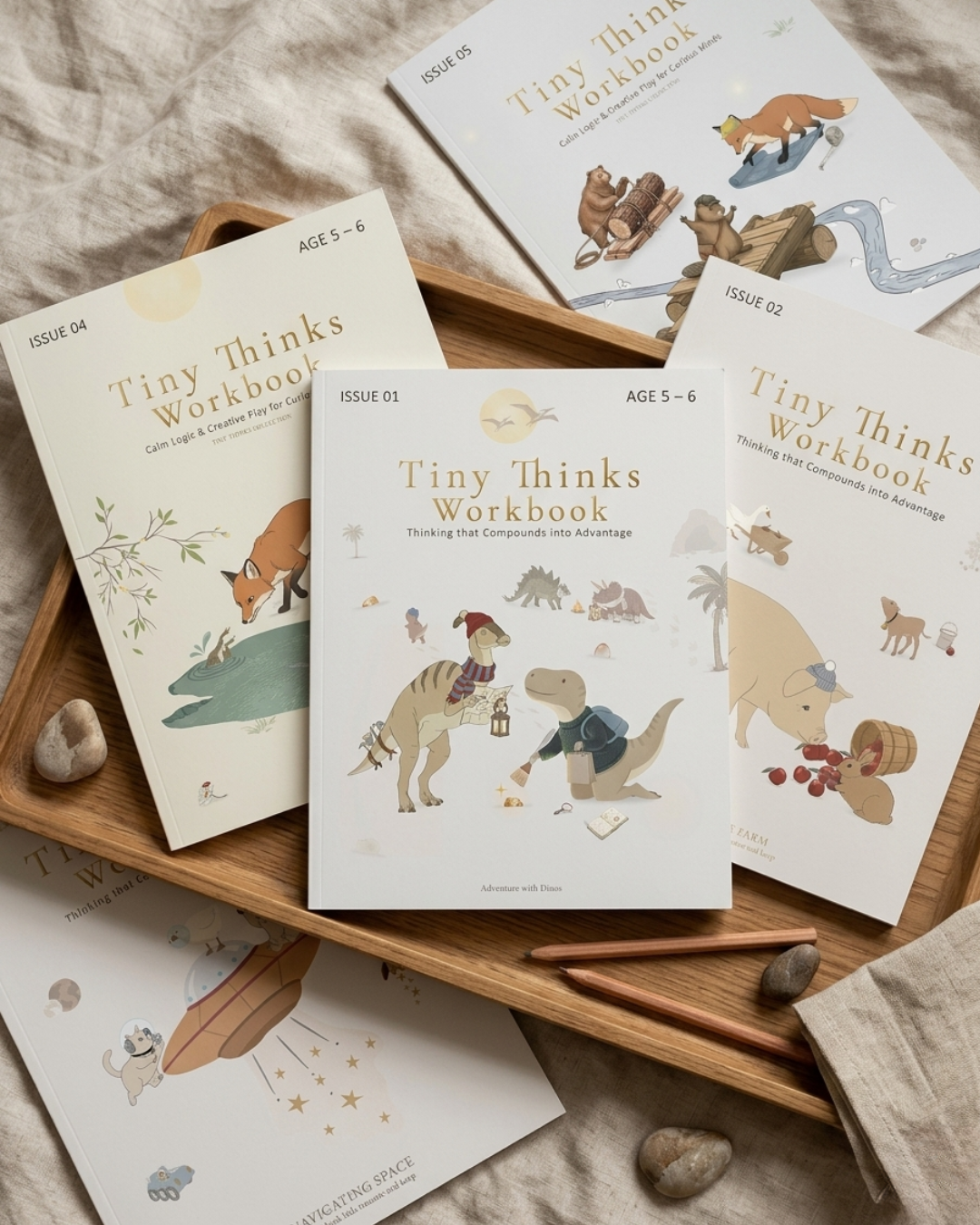
YouTube Kids screen time refers to the amount of time young children spend watching content on the YouTube Kids platform. For numerous families, they turn to these videos for fast distraction or calmness, particularly during hectic transitional periods, such as after school or before dinner. Some parents balance this habit with simple, hands-on materials from Tiny Thinks to help children shift back into slower, more focused play.
Constant rapid-fire digital stimulation can disrupt attention and make kids restless. Knowing how screen time affects focus, parents can develop serene rituals that encourage self-directed thought.
The Algorithm’s Allure
There’s nothing accidental about the pull of YouTube Kids. The algorithm’s appeal. Algorithmic platforms employ rapid, high-reward iterations to keep kids glued. Each suggested video is optimized for engagement, not reflection or rest. We get a screen-based thrill ride that outpaces a small child’s brain and leaves no time for contemplation.
Kids ages 3 to 7 are particularly susceptible because attention systems are still developing and impulse control is minimal. One tap brings you to another video, then another, and on and on it goes. Parents often notice the shift: a child who started with a gentle story ends up lost in a string of unpredictable, overstimulating clips.
There’s no mystery about algorithmic recommendations influencing children’s watching behavior. Below is a simple table to illustrate common parent observations:
|
Algorithm Behavior |
Child Response |
Parent Outcome |
|---|---|---|
|
Autoplay, endless suggestions |
Keeps watching, asks for “one more” |
Hard to end screen time |
|
Fast, jumpy video edits |
Becomes fidgety, more impatient |
Attention fragments |
|
Sudden content shifts |
Mood swings, harder to settle |
Post-screen meltdowns |
|
Bright, loud visuals |
Seeks more stimulation, less calm focus |
Trouble winding down |
Short video formats, in particular, are exceptionally sticky. They provide fast dashes of newness, which the evolving brain has trouble resisting. This isn’t about discipline—kids’ brains are hardwired for rapid, random stimulation.
That’s why short sessions frequently balloon well past what parents expect. A 2024 study by Kim et al. Tied specific YouTube usage patterns to increased emotional and behavioral problems in kids, particularly those with more sensitive temperaments. Parents tell me that following a marathon, the kids are prickly, impatient, and difficult to distract.
The issue with screen time is not merely the amount. It’s the compound impact of overstimulation, patterns and colors and sounds and quick cuts that fry the circuitry. For most parents, the algorithm is simply too irresistible to fight, which results in power battles and guilt.
Others simply avoid the platform, but that’s not always practical during high-pressure moments: after school, during meals, on long travel days, or in waiting rooms. Radesky et al.’s 2024 research demonstrates the worth of a family media plan, but maintaining it can be a new struggle every single day.
Tiny Thinks™ was designed as a pressure valve for these moments. No judgement, no hype. Just good old-fashioned, screen-free, bare-brain thinking play. Predictable, low-stimulation tasks that restore focus and settle busy bodies.
For parents hungry for more, age-specific Workbooks cultivate focus and self-driven task initiation via calm, regulation-first engineering. When the algorithm’s tug is too great, Tiny Thinks™ is the silent alternative that succeeds.
Master YouTube Kids Screen Time
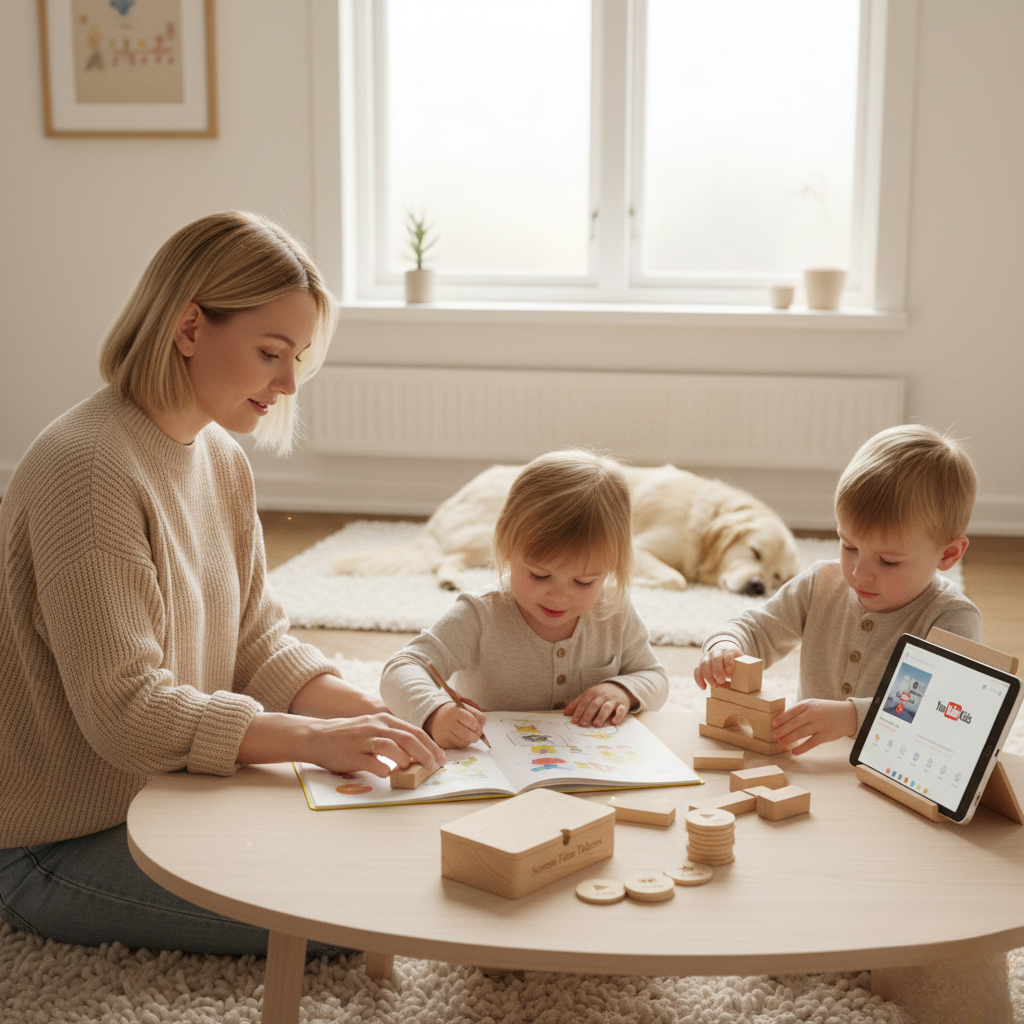
Master YouTube Kids screen time. It’s not about abandoning screens, but designing an ecosystem that encourages attention, self-regulation, and independent play. YouTube Kids offers a powerful suite of controls—timers, passcodes, profiles, content filters, and search restrictions—that can, when used thoughtfully, bring boundaries and structure.
Each tool is a chunk in the bigger puzzle of managing kids’ digital and analog lives ages 3 to 7.
- Leverage YouTube Kids’ native parental controls, including timers, profiles, and passcodes.
- Set daily limits and communicate them to your child.
- Manage and modify limits to accommodate your child’s developmental needs.
- Curate content and approve channels/videos in advance.
- Encourage regular breaks and alternative, screen-free activities.
- Use Family Link or other tools to monitor and adjust usage.
- Discuss safe search and appropriate content openly.
- Review viewing history to understand patterns and interests.
1. The Timer
Timers are the most explicit way to define limits around YouTube Kids use. Within the app, parents can establish daily time limits that typically range from 15 to 60 minutes. With the timer, you create a predictable routine where video time just ends, without power struggles.
Kids learn to expect transitions and start to build an internal sense of time. Other families pair timer use with visual schedules, depicting when screen time fits into the day along with meals, outdoor play, and quiet time.
Timers aren’t simply about arresting use. They provide your kids with natural pauses that give them a transition moment to change gears and come back to slow, tactile play. This is particularly handy after school or high-energy bursts when a distinct finish line keeps things flowing.
2. The Passcode
Passcodes lock it when the timer expires or after authorized hours. Parents master YouTube Kids screen time, even if the child can navigate the device. Explaining why the passcode is there helps your kids understand it is not punishment but a rule — like bedtime or seat belts.
Refreshing passcodes from time to time keeps you in charge, especially as kids get more tech savvy. Passcodes are a solid backup, making sure that limits stick even when schedules get thrown off.
3. The Profile
YouTube Kids lets you set up to eight child profiles with their own settings and viewing history. Profiles for each kid mean you can age-tailor content, such as “Preschool” mode for under-4s and “Older” for older kids.
Profiles enable you to track what each individual child watches, identify any concerning trends, and tweak limits as kids mature. With kids on their own profile, it is simpler to promote educational content and steer clear of the focus-breaking stuff.
4. The Content
It’s about more than blocking “bad” videos. Parents can pre-select channels and videos, guiding kids to premium, age-appropriate content. By updating this list regularly, you’ll keep it relevant as your kid’s interests evolve.
Talking about content choice with your child creates awareness around quality and suitability. YouTube Kids’ parent tools allow you to pre-approve every video so that while your kiddo is watching, you’re still the one controlling the input.
5. The Search
Show kids how to search safely – it’s a fundamental digital skill. With YouTube Kids, you can limit or turn off search, but you can train kids to use it mindfully. Direct them to search for particular subjects or channels.
Apply filters to restrict access to inappropriate material. Checking search history lets you follow their interests, identify red flags early and have open conversations about what they’re watching. Search is a door. If you use it right, it constructs wonder and autonomy.
Tiny Thinks™ reaches families where screens are too loud and too fast. When YouTube Kids is done for the day or the rules fall apart after a marathon, Tiny Thinks provides an instant, organized option.
The Free Calm Pack is made for exactly those moments—post-school, in between activities or winding down for bed—when your child needs to center and concentrate, not just be distracted. Parents don’t turn to Tiny Thinks as a reward or punishment. They use it as a consistent thinking layer that resets attention and restores regulation.
For families ready to go deeper, Tiny Thinks™ Workbooks offer age-tailored, low-stimuli activities your child can independently begin and revisit. They need no setup, no prep, and function with any culture, home, or schedule.
The system is simple: when the timer ends or power struggles over screens begin, hand your child a Calm Pack. See the calm as the chaos subsides, concentration reappears, and your kid occupies themselves in silence without a screen.
Beyond The App’s Settings
Managing YouTube Kids screen time is almost never just about flipping in-app restrictions. Most parents are familiar with the standard repertoire—limits, filters, and time-outs—but still get mired in the day-to-day tug-of-war. While the YouTube app pledges “safe” content, algorithms are fast, and sub-eight-year-olds already spend roughly two hours a day on digital video. Concerned parents often utilize features like parental controls to create a safer viewing environment for their young users.
While many parents rely on third-party tracking apps, real-world settings rarely align to the neatness of any standalone app’s dashboard. Family Link (Google), Qustodio, Bark, Net Nanny, and OurPact assist, but no tool substitutes parent presence or defined rules. That’s not the only challenge; the threat of mature, egregious content is real.
The bottom line is that quick, autoplay content is fragmenting young attention systems. Kids become accustomed to a steady drip of newness. Once the screen goes dark, the real world seems sluggish and disappointing. This is why, despite having limits in place, the switch from screen to offline can lead to frustration, restlessness, or meltdowns — particularly after school or before bed.
Above The App’s Settings
Even kids as young as three can internalize easy, consistent guidelines about what’s acceptable and what’s not. If you hear something fishy, walk away and come find me. It establishes digital responsibility from the get-go. A family media plan — documented and visible to all — establishes expectations regarding their online activity. It’s not just about screens; it’s about all digital consumption, whether it’s TV, tablets, or a parent’s phone. Easy rules, repeated frequently, adhere best. ‘Screens remain in the living room. No devices at dinner. These rules aren’t about control, but about cultivating sustainable digital habits, especially for young users.
It’s not just about screens; it’s about all digital consumption, whether it’s TV, tablets, or a parent’s phone. Easy rules, repeated frequently, adhere best. ‘Screens remain in the living room. No devices at dinner. These rules aren’t about control, but about cultivating sustainable digital habits.
Offline alternatives matter most during high-pressure moments: after school, travel, waiting rooms, mealtime chaos, or right before bed. This is where many parents become paralyzed, scrolling through infinite choices of “educational” apps or videos, just to witness their little one bounce from clip to clip.
The true salvation lies in peaceful, organized, screenless habits that kids can internalize by themselves. Doodling, pattern matching, building small sequences—these aren’t just distractions, they’re mental tethers. They decelerate the tempo, reconstruct patience, and calm the nervous system.
Children return to these activities willingly because they’re built for independent use: calm visuals, clear steps, no noise. As time goes on, this becomes the child’s default when they need to wind down, not another video. For deeper, age-specific support, Tiny Thinks™ Workbooks take this thinking layer a step further. Each workbook is always designed to be grabbed by the child, never imposed by the parent, ensuring a more engaging experience.
Children return to these activities willingly because they’re built for independent use: calm visuals, clear steps, no noise. As time goes on, this becomes the child’s default when they need to wind down, not another video. For deeper, age-specific support, Tiny Thinks™ Workbooks take this thinking layer a step further. Each workbook is always designed to be grabbed by the child, never imposed by the parent.
When Your Child Is Obsessed
YouTube Kids is designed for rapid-fire, unending engagement. For these children ages 3 to 7, this translates to looping video after video, unable to self-stop. As parents, we recognize the warning signs: tantrums at bedtime when it’s time to turn it off, tears when limits are imposed, difficulty sleeping, and the never-ending plea of “just one more.
It’s not screens, per se, that are the problem; it’s the rapid-fire, unpredictable stimulation their content delivers that can overload a nascent attention system.
Typical signs of YouTube obsession in young children include:
- Tears, rage, or hysteria at bedtime or when asked to turn off YouTube.
- Difficulty transitioning to other activities, even favorite toys.
- Shorter attention span, drifting quickly between tasks.
- Complaints of boredom when screens are unavailable.
- Resistance to bedtime, frequent night wakings, or nightmares.
- Increased irritability, yelling, or mood swings after screen use.
- Fixation on specific videos, characters, or repetitive play themes.
- Stopping going outside, losing interest in playing with friends or brothers and sisters.
- Constant begging for YouTube all day long, even after boundaries are established.
Boundaries are your front line. For most families, that translates into a set daily time block of twenty to thirty minutes every day at the same time and in the same place in the house. Consistency normalizes expectation and minimizes bargaining.
Declare the agenda prior to screen time, not after it. Use a visual timer, not just verbal. When limits are enforced, expect initial pushback, including tears, protests, and maybe a full meltdown. It’s a typical transition, not evidence you’re screwing up. Kids will adjust, particularly when the routine is consistent and inflexible.
The emotional effects of too much YouTube are frequently nuanced. Parents observe their kid is more irritable, less patient, or shuns calm activities. Others become afraid after viewing an unexpected, scary video. YouTube’s algorithm is not gentle.
If your kid is addicted, they may experience night terrors and restless sleep after too much frenetic visual stimulation. Socially, kids can shut down and seek escapist watching instead of shared or cooperative play. Talking about these changes plainly helps your child identify what is taking place physically and mentally.
If setting boundaries and providing alternatives don’t shift obsessive behavior, professional support is warranted. Continued distress, rejection of all non-screen activities, or continued sleep disruption indicate a more serious regulatory struggle.
Pediatricians, child psychologists, or occupational therapists can assist in rebooting the system and help the transition back to healthy habits.
For parents seeking relief from YouTube’s grip, Tiny Thinks™ offers a calm, screen-free system designed for these real moments: after school, mealtime, travel, and bedtime wind-down.
The Free Calm Pack is my favorite place to begin — regimented, minimal sensory activities that kids can do on their own, developing concentration and endurance. For continued fuel, age-based Tiny Thinks™ Workbooks establish a soothing, rhythmic tempo children come back to on their own, nurturing focus, sequencing, and emotion control without parent coercion.
The Supervised Experience
Supervised screen time is meant to provide a safer, more manageable experience for toddlers on the YouTube app. Instead of letting the algorithm run the show, parents act as a soft buffer, influencing content selections and defining limits. It’s not about banning screens or demonizing them, but about putting on the brakes, containing overstimulation, and making digital time a source of connection and education.
By instituting supervised viewing sessions, adults select what’s available. Parents configure content filters to prevent mature or messy videos, curate age-appropriate shows, and restrict the infinite scroll of short-form clips. This is pragmatic and hands-on, with no shaming, just a framework to avoid the sort of rapid-fire, erratic stimulation that has kids distracted and buzzing.
Custom reminders assist, too. Bedtime or break timers provide kids with a rhythm and predictability rather than losing track of time in an autoplay haze. These tools don’t require perfection; they just establish a limit where attention can be reclaimed.
Talking through videos together develops early critical thinking. Viewing a show together, posing a few questions, “What did you observe?” or “How did that character address the problem?” can transform passive watching into active engagement. It’s a small change, but it counts. Kids process what they observe, learn timing and event sequencing, and begin to identify patterns.
These are core attention and memory skills, constructed not in lectures but in soft chatter. Over time, this habit of talking about content assists kids in pausing, observing, and thinking independently.
Co-viewing is an opportunity for little moments of bonding. A lot of families rely on screen time as a pause button to a stressful day. Sitting together, even silently, is a method of encountering a child where they are. For some, it’s a de-stressing experience; for others, it’s a bridge into soft conversation.
Don’t overthink it. Simply showing up and leaving an occasional comment is sufficient to let a kid know they’re not alone online.
It’s important to set easy-to-follow guidelines of what is permitted during the supervised experience. Other families find that adhering to tranquil, expected programming aids youngsters in relaxing for bed. Some pick school subject playlists for after school.
Caps on short-form clips and control over search and browsing history keeps it manageable. Other parents are concerned these controls are too intrusive. That’s right, there’s a safety versus independence sweet spot to be found. Yet, for kids in that 3 to 7 range, it’s the structure that provides comfort.
The supervised experience continues to grow, introducing new reminder and content controls without requiring hand-wringing.
The missing link is what occurs when screens dim. Take away fast input without a calm, structured alternative and you’ll likely cause dysregulation, fidgeting, frustration, or constant requests for “one more video.” This is what Tiny Thinks™ are made for.
Rather than screen-battling or succumbing to chaos, give your kid the Free Calm Pack—a silent, visually-minimal collection of self-start, focus, and soft decompressing thinking pages. Kids transition from screen to table, tracing a line or matching a picture, and in minutes, the din abates.
Over time, these routines become child-initiated. The workbook is where they go when they need to reset, not just when screens are off.
Tiny Thinks™ isn’t an enhancement or a bonus or yet another thing to organize. It’s the calm layer that slots into pressure points—after school, before dinner, in the waiting room, or at bedtime—when you need your kid cogitating calmly, not chasing quick dopamine.
For families craving more, age-specific Workbooks provide a consistent guide to increased concentration and autonomy, all without parental pressure. No hype, no pressure, just a proven system that operates in the real world.
Rethinking Digital Playtime
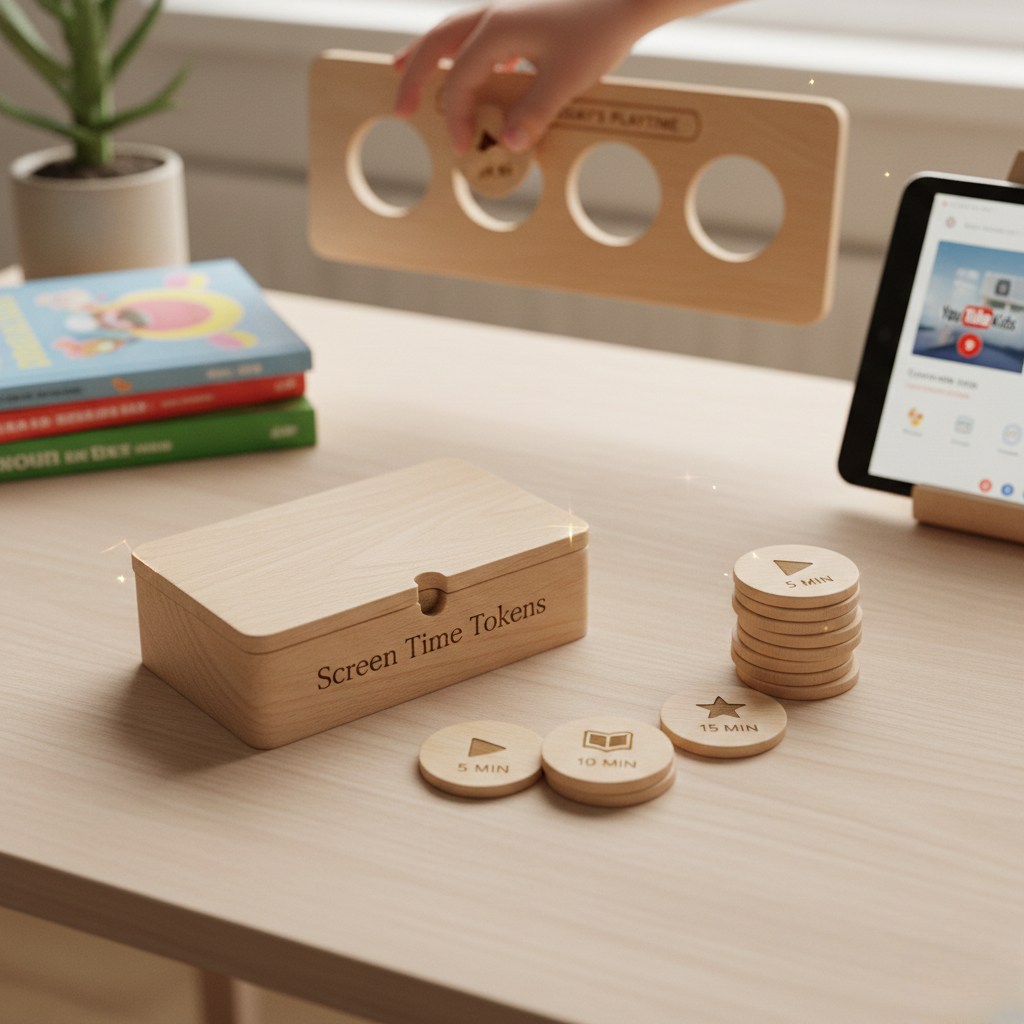
Digital playtime is family life everywhere. The YouTube app, with its bright, alluring thumbnails and endless autoplay, frequently fills the cracks after school, during dinner prep, and on long car rides. Screens, wisely employed, can save a parent’s sanity. The true issue is not the existence of screens, but rather the immediacy and randomness of rapid content that splinters young focus and pushes aside more gradual, profound cognition.
Balanced digital playtime doesn’t mean screens are the star attraction. It means they’re one of a number of choices. A lot of parents maintain strict boundaries—twenty or thirty minutes at a time, with a recovery period for physical activity or silence. To address this, Radesky and co’s 2024 research found that constructing a family media plan with consistent rules for screen use from the age of five onwards enables children to build healthy digital habits.
Other households eschew platforms such as YouTube altogether, seeking to minimize their exposure to quick, algorithmic videos. Others evolve by curating content through age and developmental stages. Expert guidance here is simple: choose slow, predictable shows for younger children and always balance screen time with off-screen activity.
It’s in offline play that imagination, patience, and focus flourish. Calm, ordered work—easy puzzles, matching, tracing, or silent sorting—provides children with an opportunity to calm their minds and bodies. Offline creative play — think basic shape drawing, block-building, nature walks — energizes emerging thinking in a way that is free from the hustle of digital feedback.
When a child finishes a picture sequence at the kitchen table or builds a small pattern while waiting for dinner, you see a shift: their movements slow, their breathing evens out, and independent focus returns. This is the control every parent needs after a trying day.
Moderation is key. Out of control screen time, particularly on rapid platforms, can send you into behavioral spirals, frustration, and short tempers. Certain kids, particularly those with sensitive temperaments, are more at risk for screen overuse and will exhibit signs of addiction or decreased activity. Research further investigates connections between YouTube habits, childhood disposition, and subsequent conduct issues.
Parents say that when screen time extends too long, attention shatters and transitions become more difficult. It is not about eliminating screens completely, but anchoring each day with reliable, tranquil rituals. A family culture that cherishes both digital and non-digital play leaves room for connection and real rest.
Tiny Thinks™ is for these moments when you need your child calm, engaged, and thinking—no bells, whistles, or bright flashing lights. The Free Calm Pack is a soft launch. Age-specific Workbooks cultivate the calm, independent focus habit. These aren’t the rewards or upgrades; they’re the “reset button” for hectic afternoons, travel meltdowns, or bedtime wind-downs.
Conclusion
YouTube Kids pulls kids in quick. The platform’s perpetual newness makes shutting it off feel like a war. Even when parents attempt time limits or parental controls, these seldom return peace of mind. Instead, most kids require a gradual, civilized transition away from the screen spiral. As digital play winds down, plain, tactile chores—pattern matching, silent sorting, incremental sketching—help nervous systems reset. Gradually, a predictable, low-stimulation routine post screens regenerates patience and self-direction. The hope is not merely for less screen time but for a kid who can self-soothe and initiate. With the proper framework, families can transition from daily screen struggles to peaceful, autonomous reflection—even after the algorithm has had its way.
Frequently Asked Questions
What is the ideal screen time for children using YouTube Kids?
They suggest restricting screen time to 1 to 2 hours a day for 2 to 12-year-olds, which helps promote healthy development and balance activities while using the YouTube app.
How does the YouTube Kids algorithm affect children?
YouTube’s algorithm recommends videos based on what you watch, which can result in extended screen time. For young users, parental controls are essential to mitigate exposure to inappropriate content.
Can I set time limits directly within the YouTube Kids app?
Sure, YouTube Kids has a built-in timer. Parents can set daily viewing limits to help manage screen time directly from the app settings.
What should I do if my child becomes obsessed with YouTube Kids?
If nothing else, try to set clear boundaries regarding screen time and promote other activities, especially for young users. Lead by example and take breaks together.
Is supervised experience on YouTube Kids safer for children?
With supervised accounts, parents are able to tailor content and watch history. This makes for a safer viewing experience and necessitates active parental involvement.
Are there risks beyond screen time when using YouTube Kids?
Indeed, potential harms are access to inappropriate material, data privacy, and sedentary behavior. Set parental controls and keep the conversation going about staying safe online.
How can I make digital playtime more meaningful for my child?
Pick educational videos on the full YouTube platform, watch together, and talk about what you see. This promotes learning and assists your child in cultivating critical thinking skills while surfing the web.